Creating a Digital Memory Log: A Step-by-Step Guide


In an age where digital technology pervades every aspect of our lives, creating a digital memory log is a wonderful way to capture and preserve personal or family memories. This step-by-step guide will help you craft a digital collection that you can cherish forever.
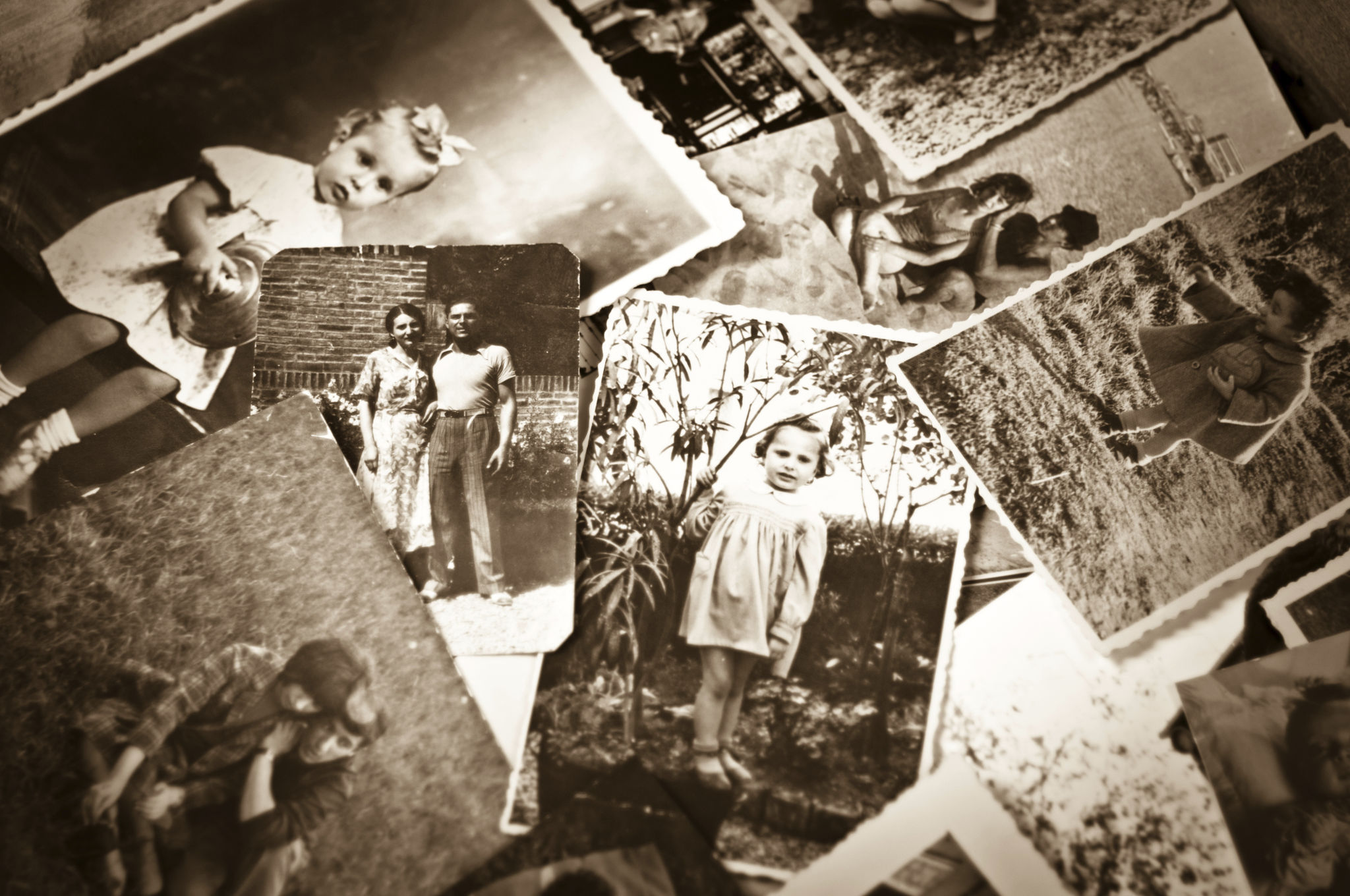
Why Create a Digital Memory Log?
A digital memory log serves as a modern scrapbook, allowing you to store photos, videos, and written reflections. Unlike traditional albums, a digital log is easy to organize, share, and back up, ensuring your memories are safe from physical damage.
Benefits of Going Digital
When you choose to create a digital memory log, you leverage the power of technology to enhance your experience. Some benefits include:
- Accessibility: Access your memories from any device, anywhere in the world.
- Organization: Easily categorize and search for specific events or dates.
- Sharing: Share with family and friends with just a click.
Step 1: Choose the Right Platform
The first step in creating a digital memory log is selecting a platform that suits your needs. Popular options include cloud storage services, blogging platforms, and specialized memory-keeping apps. Consider usability, storage capacity, and sharing features when making your choice.

Cloud Storage Services
Services like Google Drive, Dropbox, and iCloud offer ample storage and easy sharing options. They are excellent for organizing files and ensuring that your memories are backed up securely.
Step 2: Organize Your Memories
Once you’ve chosen a platform, start organizing your memories. Create folders or categories based on themes, events, or dates. This will make it easier to locate specific memories later.
Digital Categorization Tips
Use clear and concise labels for your folders. Consider creating subfolders for more detailed organization. For example, under a "Vacations" folder, have subfolders for individual trips.

Step 3: Add Multimedia Content
Begin populating your digital memory log with photos, videos, and written reflections. Ensure that each piece of content is appropriately dated and labeled to enhance the storytelling aspect of your log.
Enhancing Your Memories
Include captions or short descriptions with your photos and videos. This adds context and emotion, making the memories more vivid and meaningful.
Step 4: Regular Updates and Backups
Make it a habit to update your digital memory log regularly. Add new memories as they happen, and review older ones to relive cherished moments. Regular updates keep your log fresh and engaging.

The Importance of Backups
Regular backups are crucial to ensure your memories are never lost. Use multiple storage options if possible, like an external hard drive in addition to cloud storage.
By following these steps, you can create a digital memory log that not only preserves your memories but also allows you to share and enjoy them effortlessly. Embrace this digital approach and start building your legacy today.